Imagine you're halfway through a long holiday drive, and your daughter asks, "Can I play Roblox on your MacBook?" Your work MacBook—the hub of your business with sensitive client files, financial data, and all your important information. You're tired from packing and still have hours to go, so keeping her entertained feels like a relief. But is it safe?
Holiday travel introduces unique security challenges that regular office routines don't. You're distracted, exhausted, connecting to unknown networks, and often blending family time with quick work check-ins. Whether you're on a business trip, a vacation, or something in between, here's how Mac-based businesses can secure data without spoiling the festive spirit.
Quick 15-Minute Prep Before You Hit the Road
Just 15 minutes of preparation can save you headaches later:
Optimize Your Mac and Devices:
- Update macOS and all software to the latest security patches
- Back up essential files securely to iCloud or your preferred cloud service
- Enable automatic screen lock with a timeout no longer than two minutes
- Activate "Find My Mac" and "Find My iPhone" features for easy tracking
- Charge portable power banks fully
- Pack your own Apple chargers and USB-C adapters
Set Expectations With Your Family:
- Clearly define which devices are off-limits for kids
- Bring a dedicated family iPad or separate device for entertainment
- Create individual user profiles on your Mac if kids must use it
Pro tip: If your kids need screen time during travel, provide them with a tablet that does not have access to your work accounts. Investing in an affordable iPad is far safer than risking a data breach.
The Risks of Hotel Wi-Fi: Why Everyone Needs to Be Cautious
Once you arrive at your hotel, devices of the whole family connect to the Wi-Fi: smartphones, iPads, MacBooks, and gaming devices. Your teenager might be streaming Netflix, your partner checking emails, while you're attempting to finalize a critical proposal.
The problem? Hotel Wi-Fi networks are public and shared among numerous guests—some with potentially harmful intentions.
Real-life example: A family connected to what appeared as their hotel's legitimate Wi-Fi but was actually a fraudulent network set up nearby. Over two days, every online activity, including passwords, credit cards, and emails, was intercepted.
Stay Secure With These Steps:
Confirm the network name directly at the front desk—never assume.
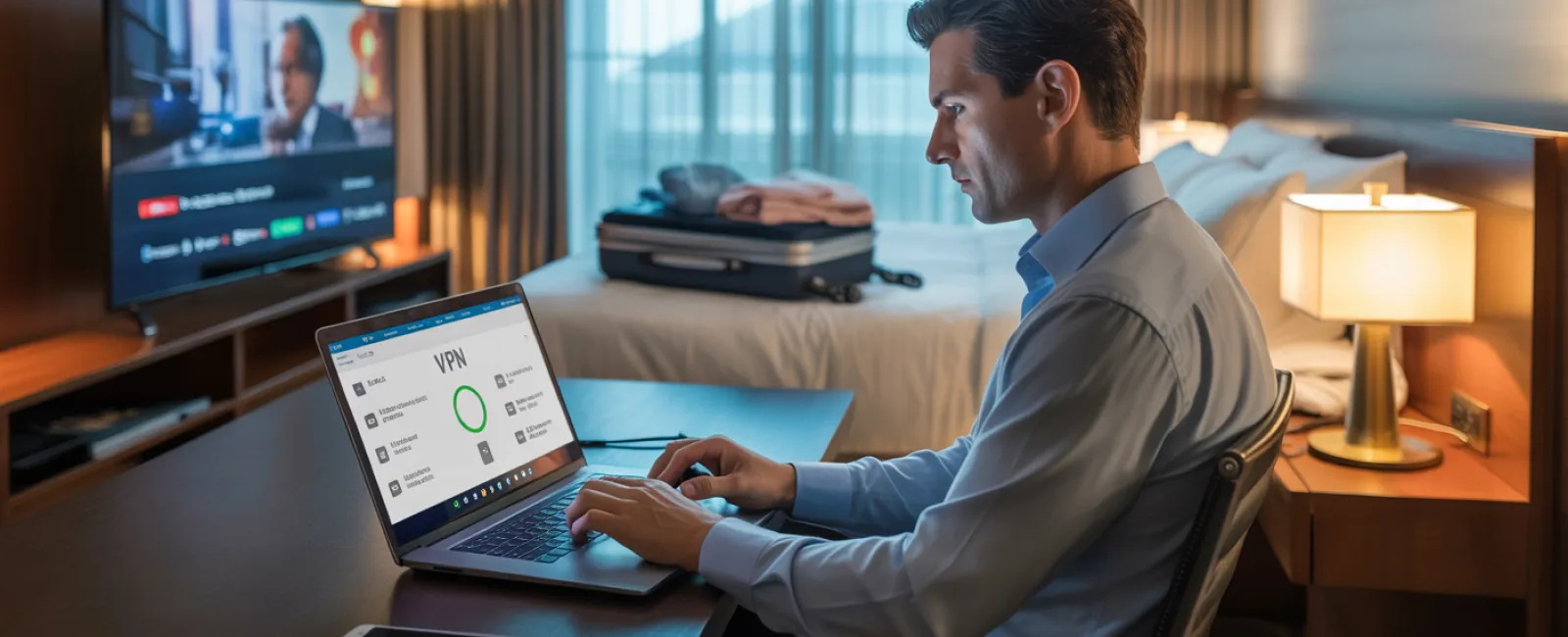
Use a VPN for all work-related access. VPN on your Mac encrypts your data, keeping client information safe.
Use your iPhone's personal hotspot for sensitive activities. Avoid hotel Wi-Fi when dealing with banking or confidential work.
Keep work tasks separate from entertainment. Let kids stream on limited devices, but keep your work Mac connected only through secure channels.
Protecting Your Work Mac When Kids Ask "Can I Use Your Laptop?"
Your MacBook carries access to email, financial tools, client files, and company systems. Naturally, children want to watch YouTube, play games, or chat online.
Why this matters: Kids may unknowingly download harmful software, click risky links, share passwords, or forget to log out. These innocent actions on your Mac can expose business data to threats.
Here's how to handle it:
Politely but firmly say no to sharing your work Mac: "This Mac is only for work, but you can use [another designated device]." Consistency is key.
If sharing is unavoidable:
- Set up a separate, restricted user account on your Mac
- Supervise their activity closely
- Prevent any downloads or installations
- Ensure passwords are not saved on the device
- Clear the browser history and logout after use
Even better: Travel with a dedicated family device, such as an older iPad or Mac that isn't connected to work accounts.
Streaming on Hotel Smart TVs: Don't Forget to Log Out
When watching Netflix on hotel smart TVs, logging into your account is tempting. But forgetting to log out can leave your account open for the next guest.
What's the risk? The next user can access your streaming services—and if you unfortunately reuse passwords elsewhere, your broader accounts might be vulnerable.
How to prevent this:
- Use AirPlay or device casting from your Mac or iPhone instead of logging into the TV directly
- If logging in on the TV is necessary, set a reminder on your phone to log out before checkout
- Better yet, download movies or shows on your devices before traveling and avoid hotel TVs altogether
Avoid logging into these accounts on hotel TVs:
- Banking and finance apps
- Work accounts and emails
- Social media profiles
- Any app with saved payment information
Lost Device Protocol: What Every Mac User Should Know
Holiday trips can be hectic, leading to misplaced iPhones, MacBooks, or iPads. Should your Mac go missing, act swiftly:
Within an hour of noticing the loss:
- Use "Find My Mac" to locate or lock it remotely
- Change passwords for all critical accounts from another trusted device
- Contact your IT support or Managed Service Provider to revoke company system access
- Alert clients or stakeholders if sensitive information was stored on the device
Ensure your Mac is equipped before travel with:
- Remote tracking enabled via "Find My Mac"
- Strong, unique password protection
- FileVault disk encryption activated
- Remote wipe capabilities configured
If a family member loses a device, follow the same steps to safeguard their data immediately.
Beware the Rental Car Bluetooth Data Trap
When you connect your iPhone to a rental car's Bluetooth, the system may store your contacts, recent calls, and even message previews. This information can remain accessible for the next driver.
Quick steps before returning the car:
- Delete your iPhone from the vehicle's Bluetooth devices list
- Clear recent GPS destinations from the car's system
- Or avoid Bluetooth altogether: use an aux cable or keep your device disconnected
Establish Clear Boundaries on "Working Vacations"
Trying to juggle work and family time during holidays often leads to stress and decreased security vigilance. Checking emails repeatedly, answering calls while mini-golfing, or rushing through work on your Mac can cause risky lapses.
Here's a realistic plan for Mac users who can't fully unplug:
- Limit work email checks to twice daily at set times
- Use your iPhone's hotspot—not hotel Wi-Fi—for all work-related tasks
- Prefer working inside your hotel room to protect your screen from prying eyes
- Commit to being fully present for family moments when off the clock
Ultimately, taking genuine time off is the most effective security measure. Your business will endure, and you'll return more alert and secure.
Adopting a Proactive Holiday Security Mindset
Mixing work and family is tricky—sometimes your kid might really need your Mac, or urgent emails demand attention. The key isn't perfection; it's intention and awareness:
- Prepare all devices thoroughly before traveling
- Recognize which activities are high-risk (using hotel Wi-Fi for banking) versus safer alternatives (using personal hotspots)
- Separate work-related data from family entertainment where possible
- Create a clear action plan in case of security issues
- Know when to say, "Not on this Mac," and stand by it
Make This Holiday Season Secure and Stress-Free
The true holiday joy comes from treasured moments with loved ones—not from data breaches or client apologies. With a bit of planning and simple rules tailored for Mac-based businesses, you can protect your work without spoiling family time. Everyone wins.
Need expert help establishing travel security protocols for your Mac-based team and yourself? Click here or call us at 877-622-7911 to schedule a free 15-Minute Discovery Call. We'll guide you in crafting practical policies that safeguard your business while keeping travel hassle-free.
Because your best holiday memories should never include, "Remember when Dad's MacBook got hacked?"